
How 3D renders fit your bid cycle
A fast, clear workflow that keeps approvals moving.
Share scope + site media
Upload photos, measurements, and inspiration so we can match the intent.
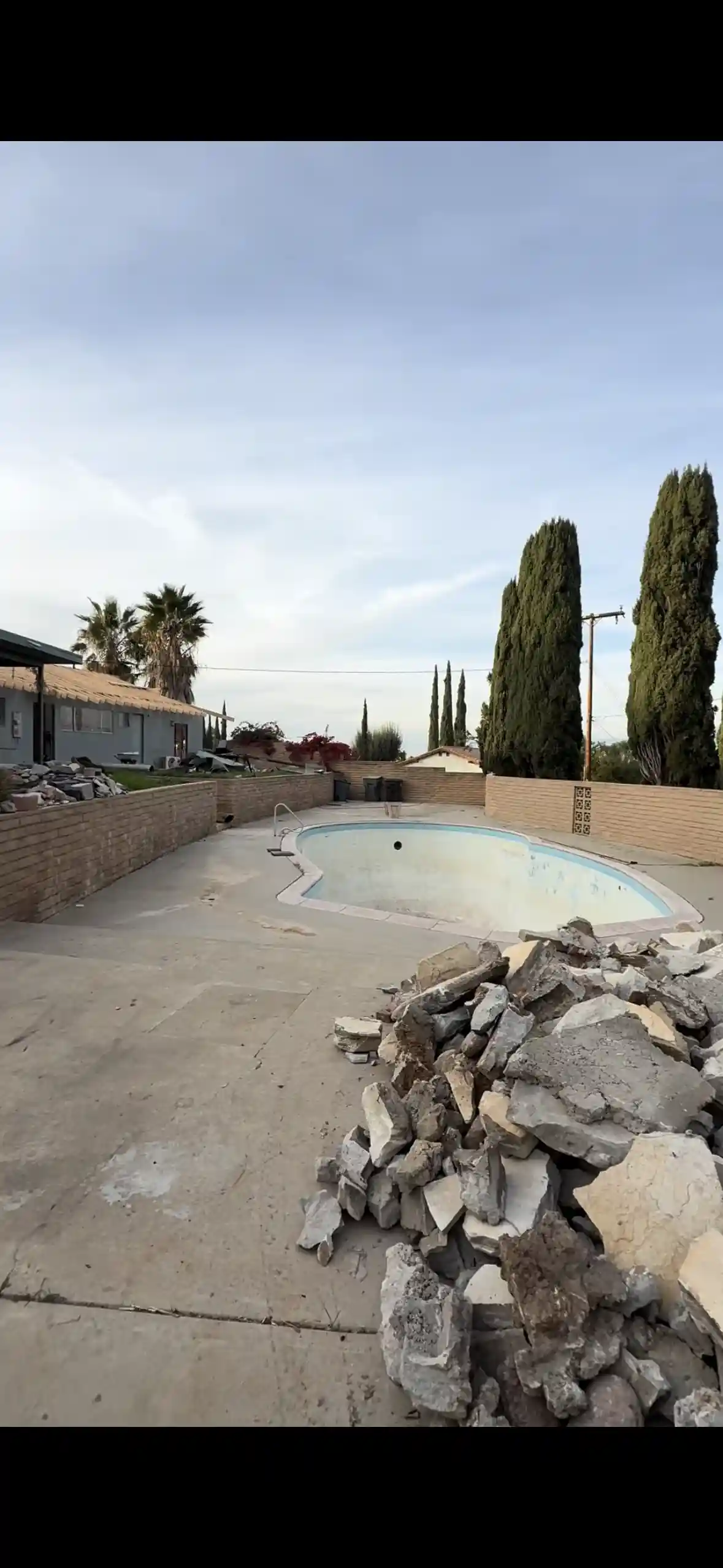
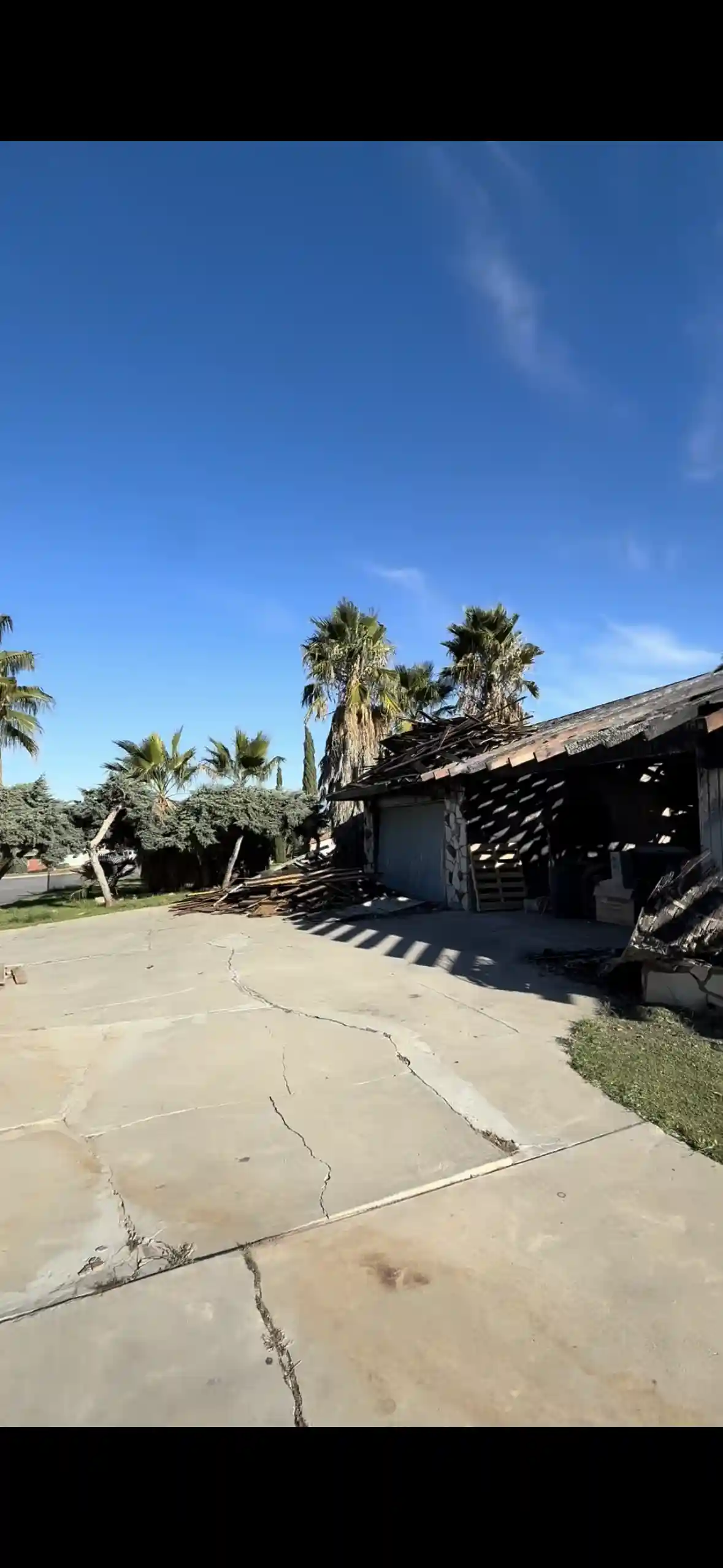
Upload your site photo, measurements, and notes.
Review and approve
Receive proposal-ready visuals with clear rounds of revision.
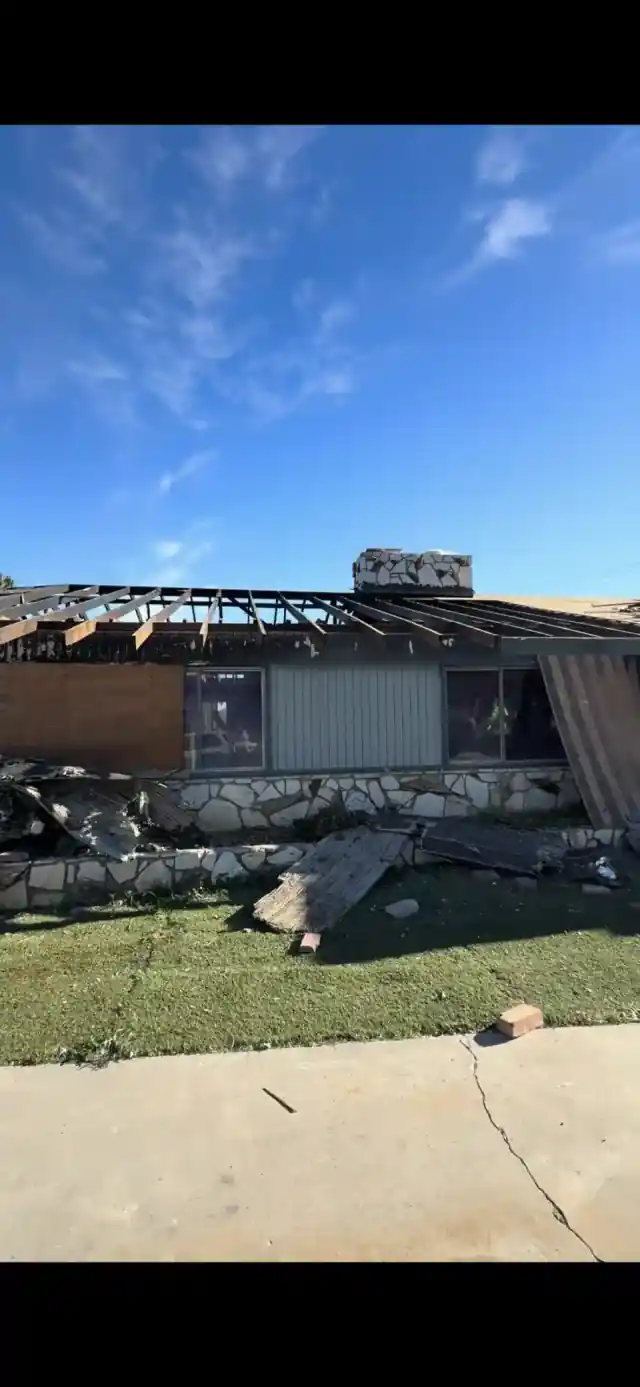
How it works render 1
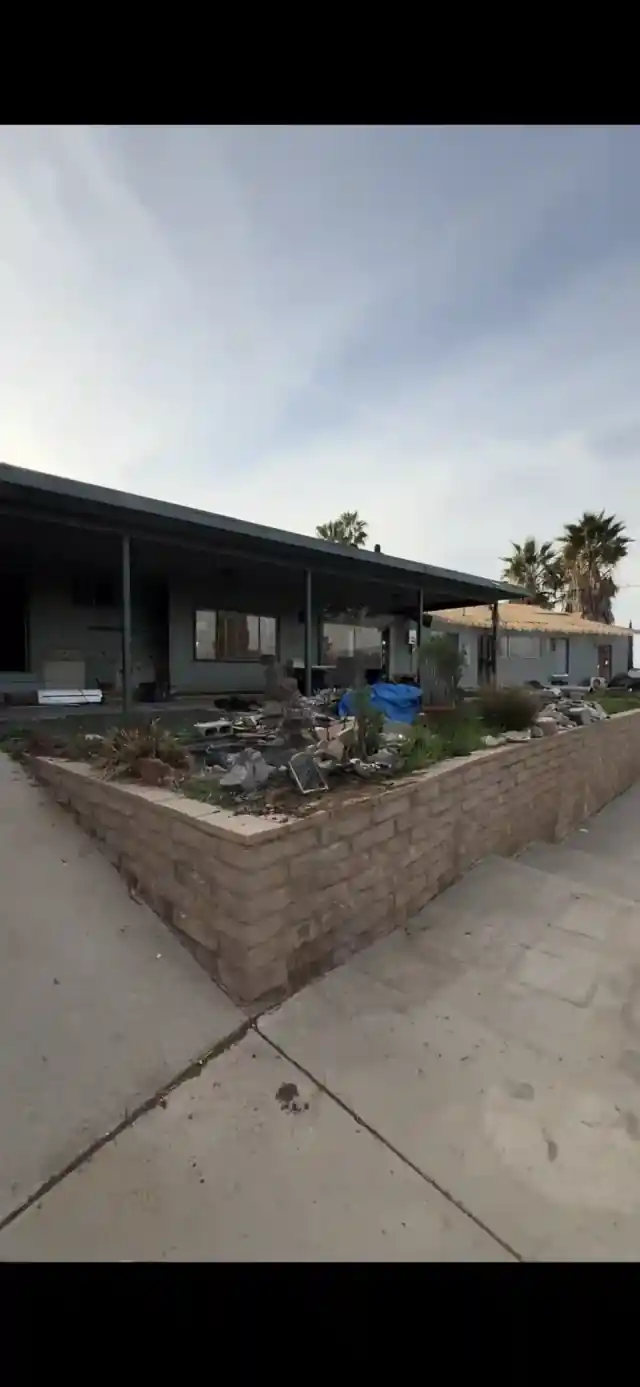
How it works render 2
Trust and editorial standards
Why contractors trust ModerneEra
Every public page follows the same contractor-focused workflow, revision standards, and support access.
- Contractor-specific intake, scope alignment, and revision checkpoints on every project.
- Public case studies and service pages are maintained with recurring content audits.
- Clear support ownership from kickoff through delivery and proposal handoff.
Trust and policy details
- Support: support@moderneera.com
- Turnaround: most first drafts are delivered within a few business days after scope confirmation.
- Revision policy: 1 revision round is included.
- Secure payments: checkout is encrypted and processed by Stripe; ModerneEra does not store full card details.
Collaborate with one designer
Get a dedicated point of contact for fast questions, revisions, and updates.
Inputs we need
- Site photos from multiple angles.
- Measurements or a simple site plan.
- Design notes, materials, and priorities.
Deliverables you receive
- 1 video walkthrough with day + night scenes.
- 10 angle stills (day + night).
- 1 full 2D plan of the project.
- 1 revision round is included.
- 25 free AI image generations for your next project.
- 1 extra project slot added (up to 24 total).
Timeline expectations
- First drafts typically arrive in a few business days.
- 1 revision round is included.
- Final files are shared once approved.
Who this workflow fits
- Landscape contractors and design-build teams.
- Projects with upgrades and client approvals.
- Teams that need proposal-ready visuals fast.
How it works FAQs
Do I need CAD files?
No. Photos and measurements are enough, and CAD files help when available.
How many revisions are included?
1 revision round is included.
Can you match my proposal style?
Yes. Share a sample proposal or visual reference and we will align the output.
Explore 3D landscape rendering resources
Definition, deliverables, pricing factors, and timelines.
3D rendering for landscape contractorsUse cases, approvals, and pre-construction workflows.
Landscape rendering costWhat impacts pricing and how to get an accurate quote.
Landscape visualization softwareSoftware-only vs designer-led service comparison.
Last updated: May 1, 2026